
The application supports local settings. Language is an example of such a setting.
When starting the application, the application tries to read the locally saved language setting. If not found a default settings is applied (English).
To change the language go to the main screen and select the Settings icon on the top right, next to the log off button:
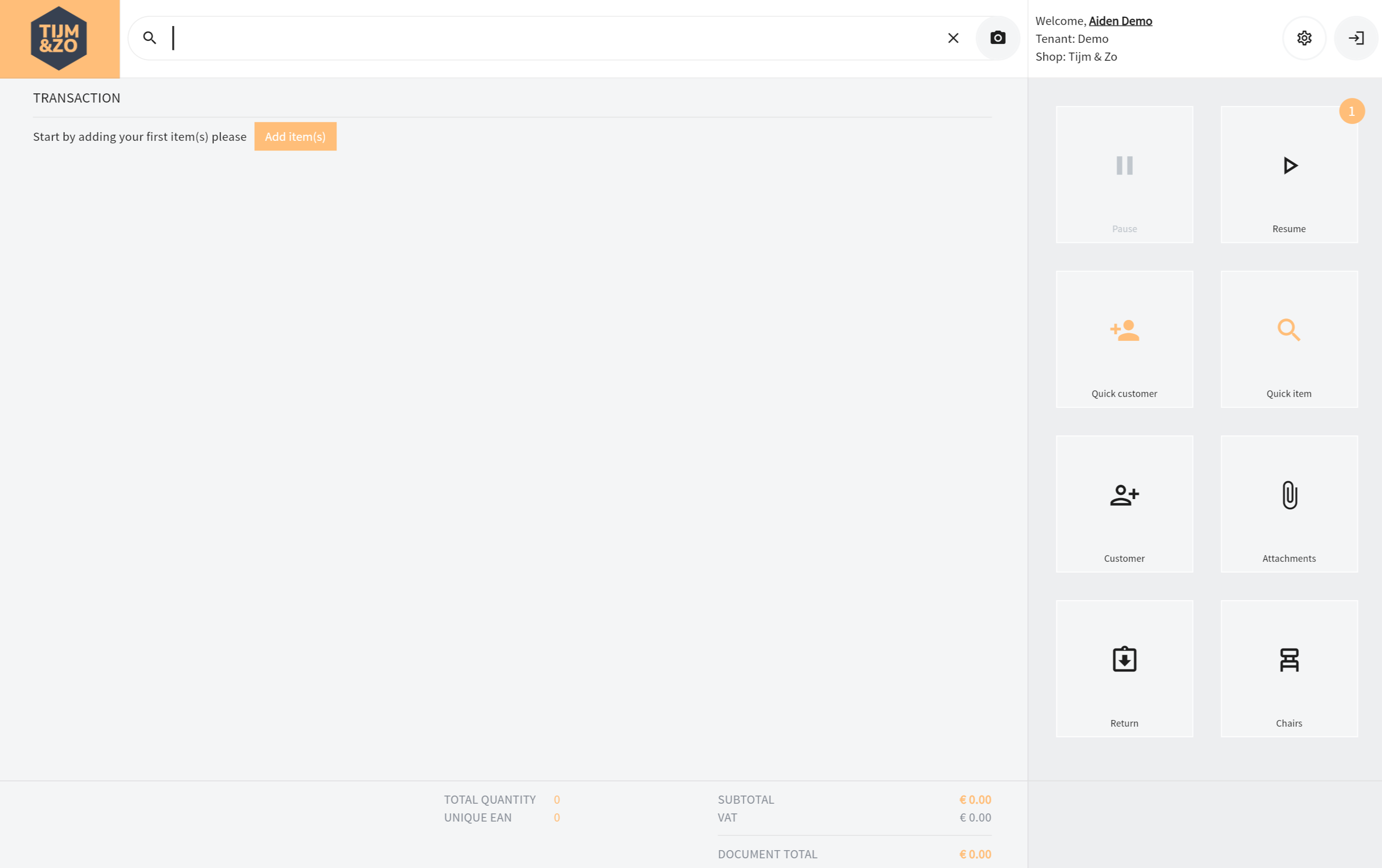
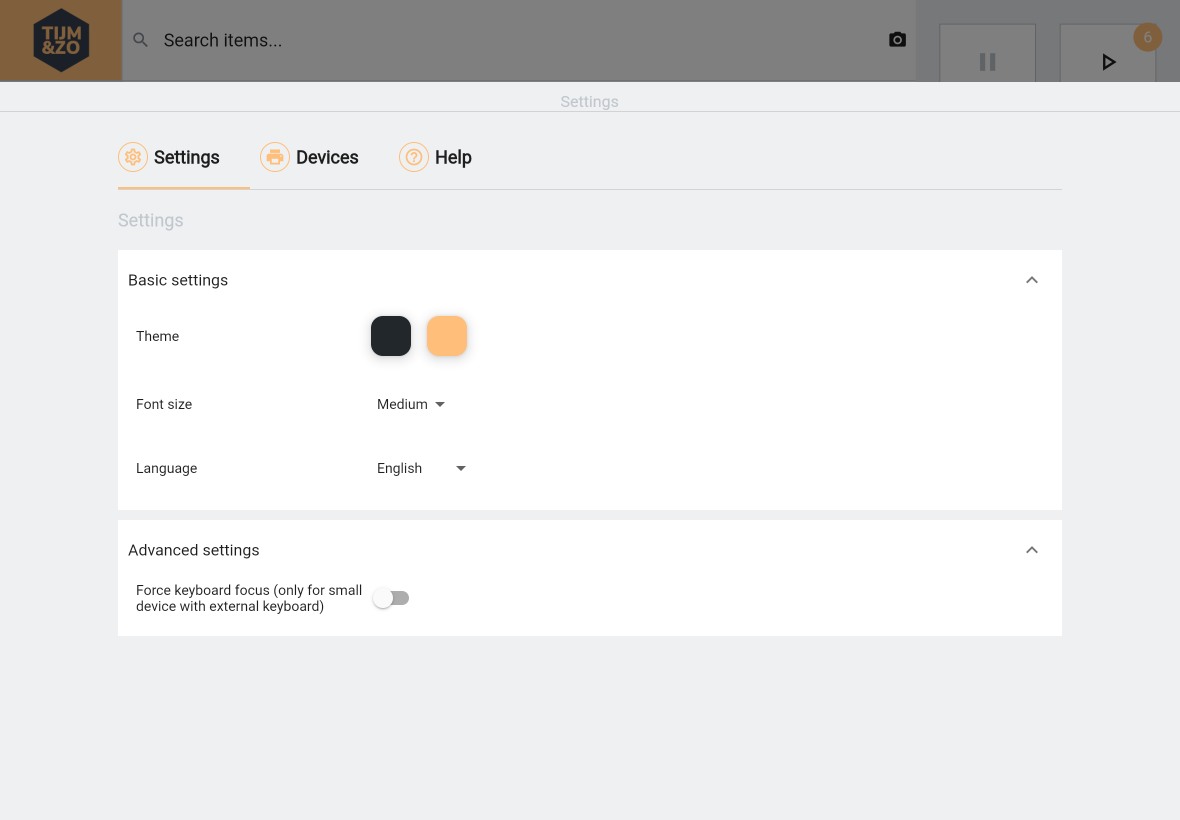
After the settings pages is displayed, see figure 2, you can select your language. After selecting your language the language is automatically applied to all screens and the value is locally stored and automatically applied when starting the application in the future.
Supported languages
Current version supports the following languages:
English, Dutch, German, French and Spanish.