
If attachments is enabled in Store Settings Widgets, a Attachement tile is shown on the main page. By clicking on the attachments tile
you will see the attachments overview form.
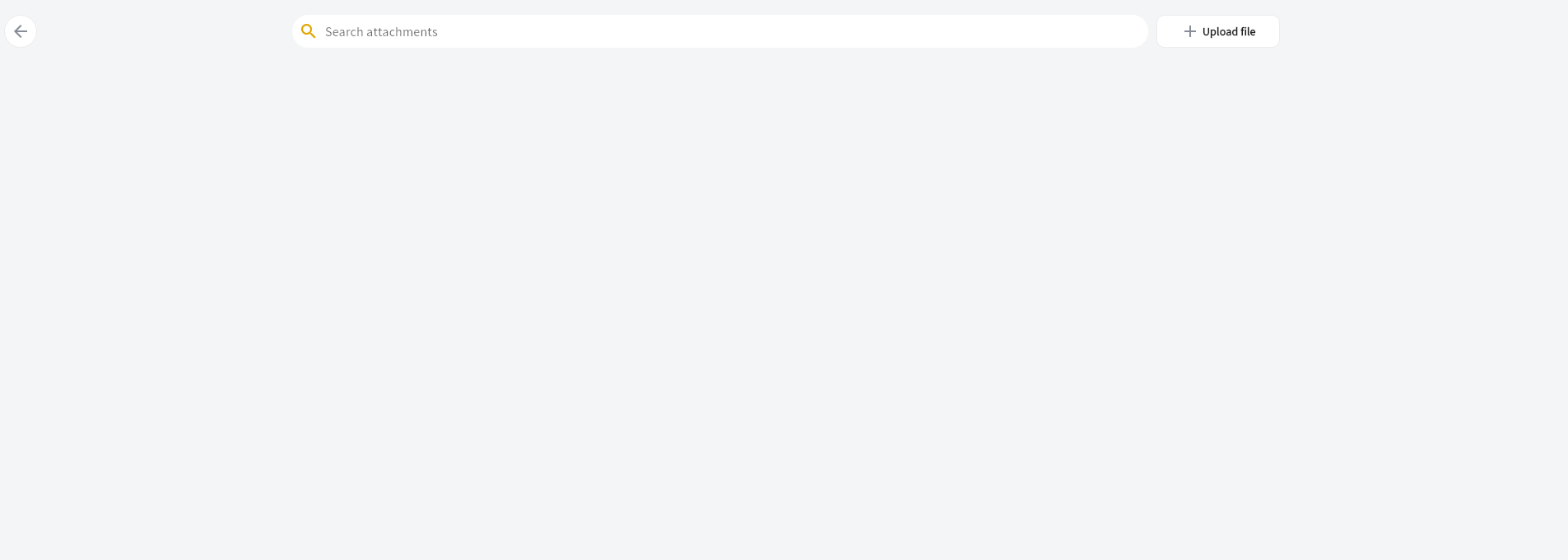
by clicking on upload file your can add an attachment
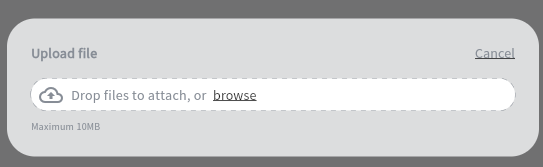
You can choose the file upload. Only files of type PDF, JPG, JPEG, PNG and GIF are supported with a maximum file size of 10MB.
After the file is uploaded the overview form will be updated after a few seconds.

To download the file press

and the file will be shown in a new tab of your browser
pressing

Will delete the file and after a few seconds the overview screen will be refreshed.