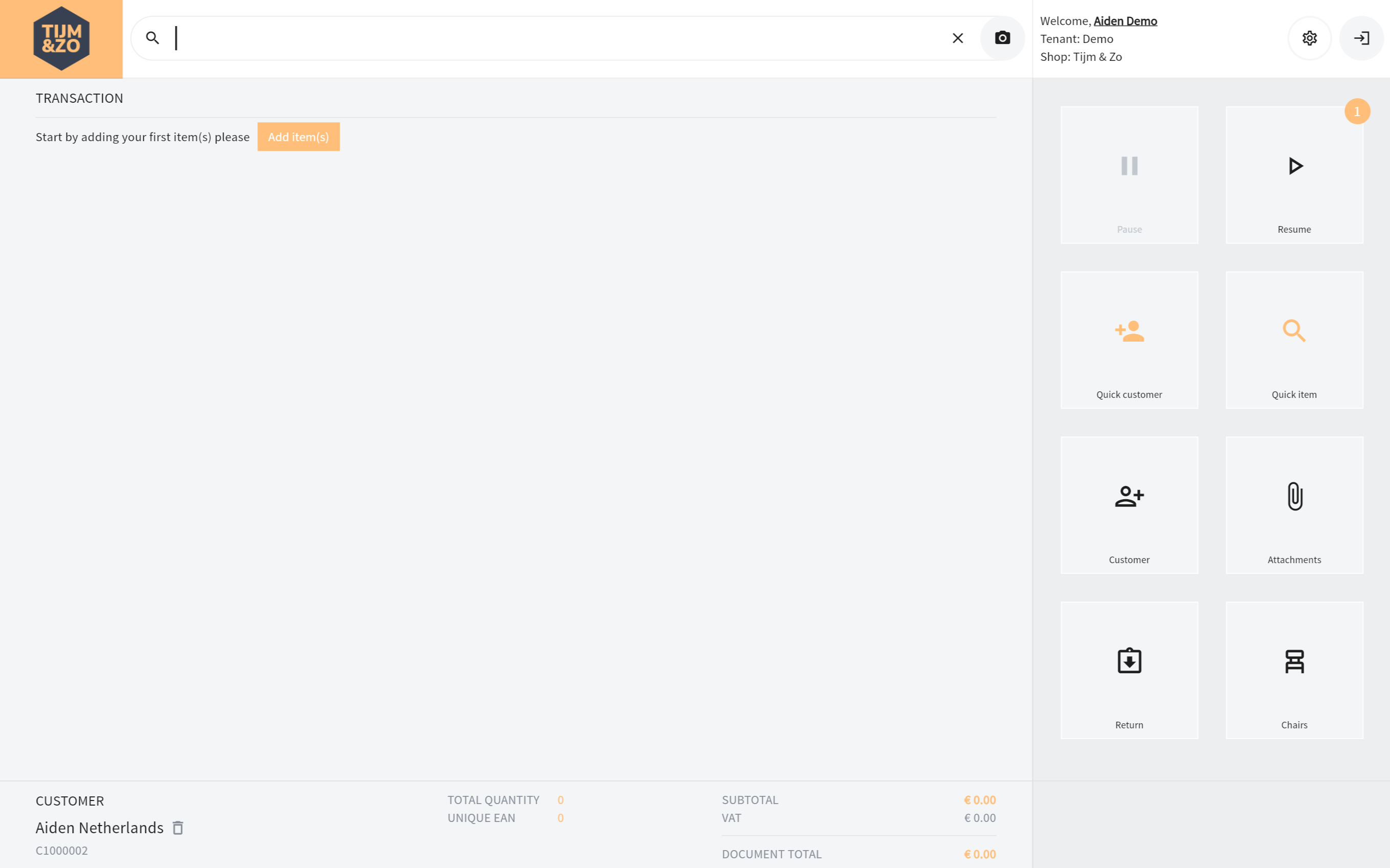
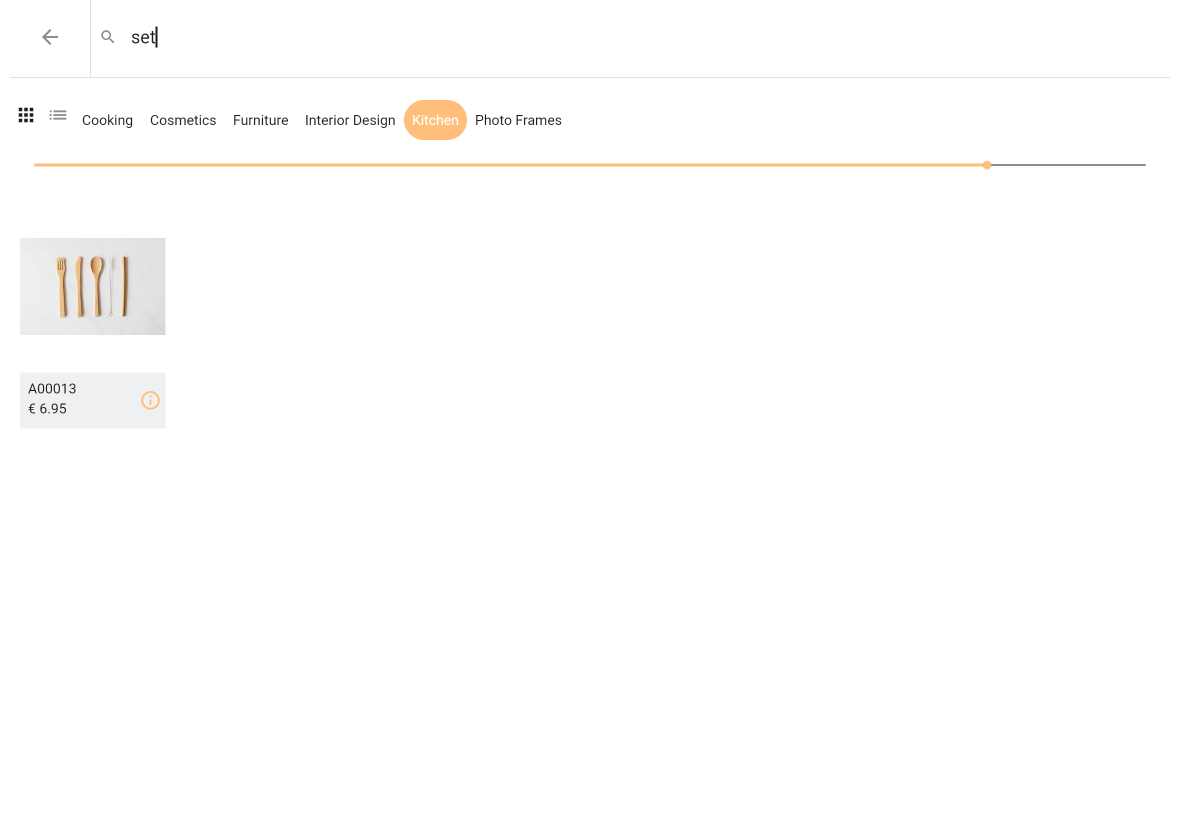
You can enter the item details page by either clicking the small item image at the start of a transaction line on the main page (see Figure 1) or by pressing the info button on the item select screen (see Figure 2).
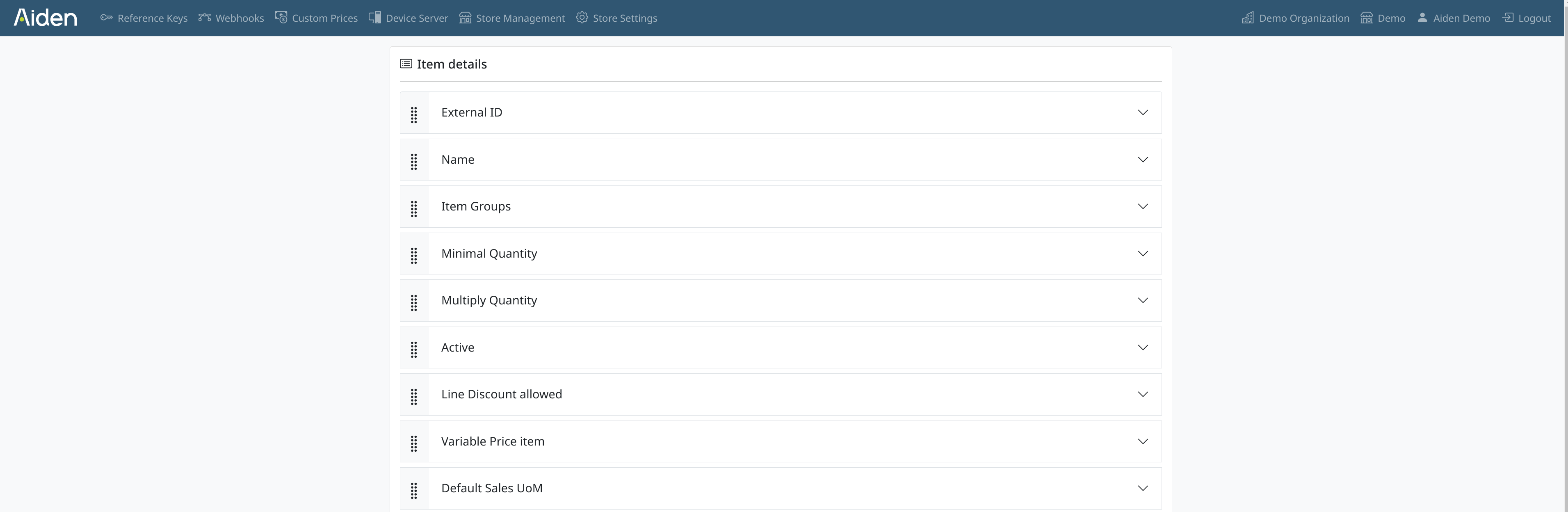
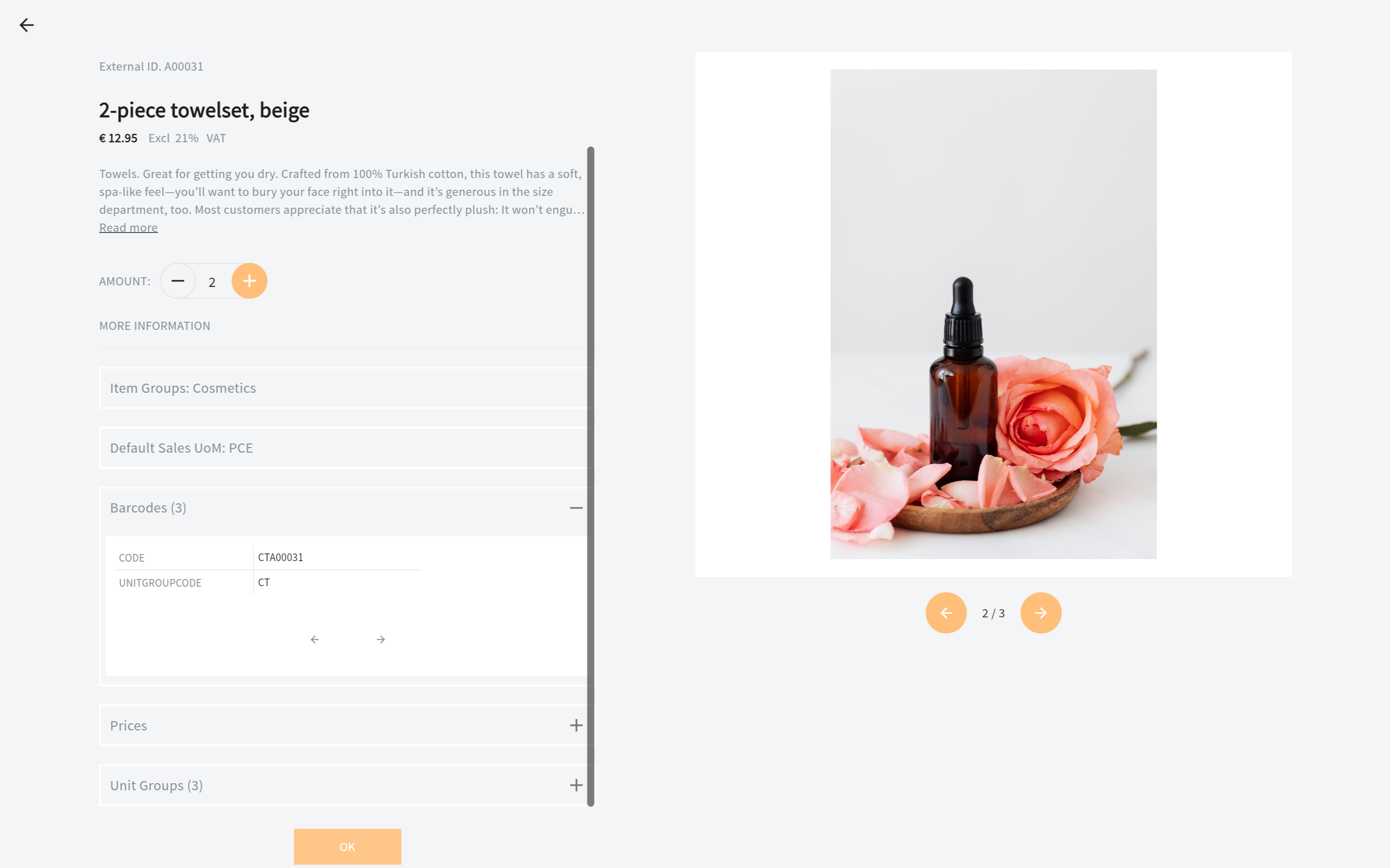
The fields displayed on the items details page are configured in the configuration portal. See Figure 3. You can change the display names of the fields and also set translations. And, of course, you can enable/disable the field to be displayed. You can also change the order in which the fields are displayed, but to preserve our design some fields are always shown before other fields. See figure 4 as an example of an item details page.