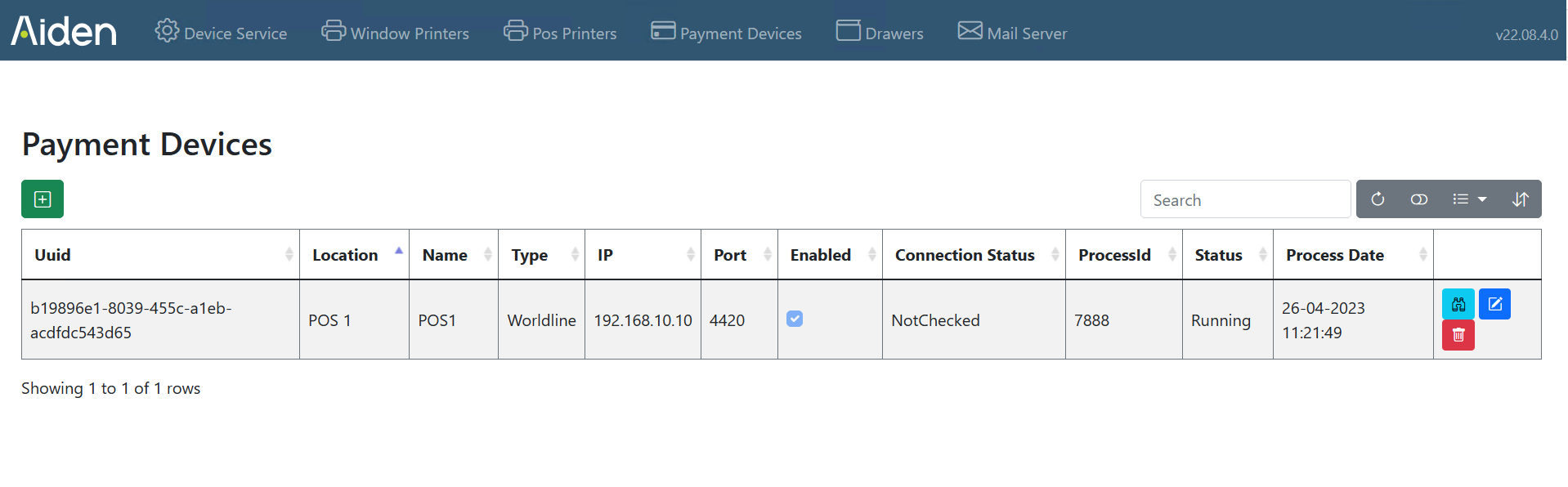
Payment devices can be setup after installation of the Local Hardware Service.
-
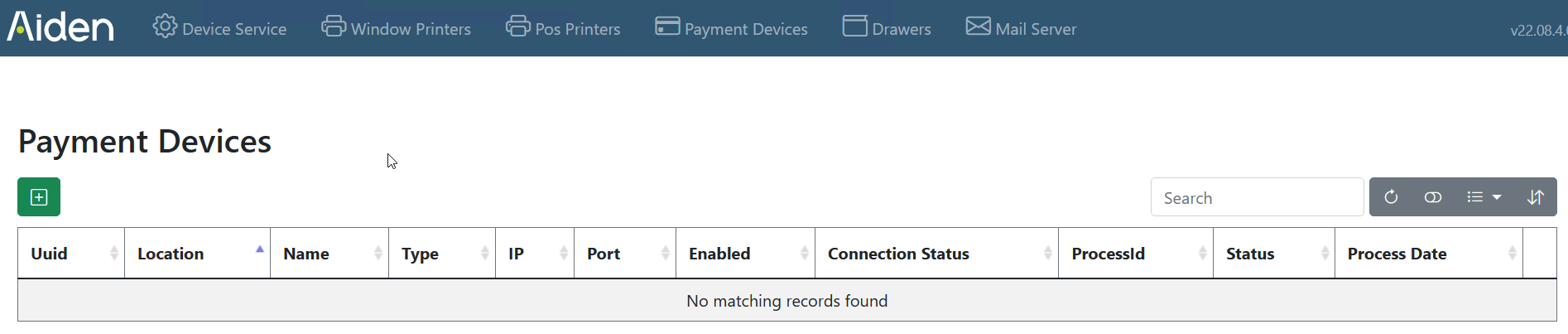
To add a new payment device, navigate to the “Payment Devices” tab.
-
Here you can press the green + to add a payment device and fill in all the fields:
-
You are navigated to a new screen “Create new payment device”
-
Here you first choose the “Type” of payment device you want to Add. For each type of payment device a separate manual can be found:
-
Afterwards the payment devices overview screen is displayed.