
-
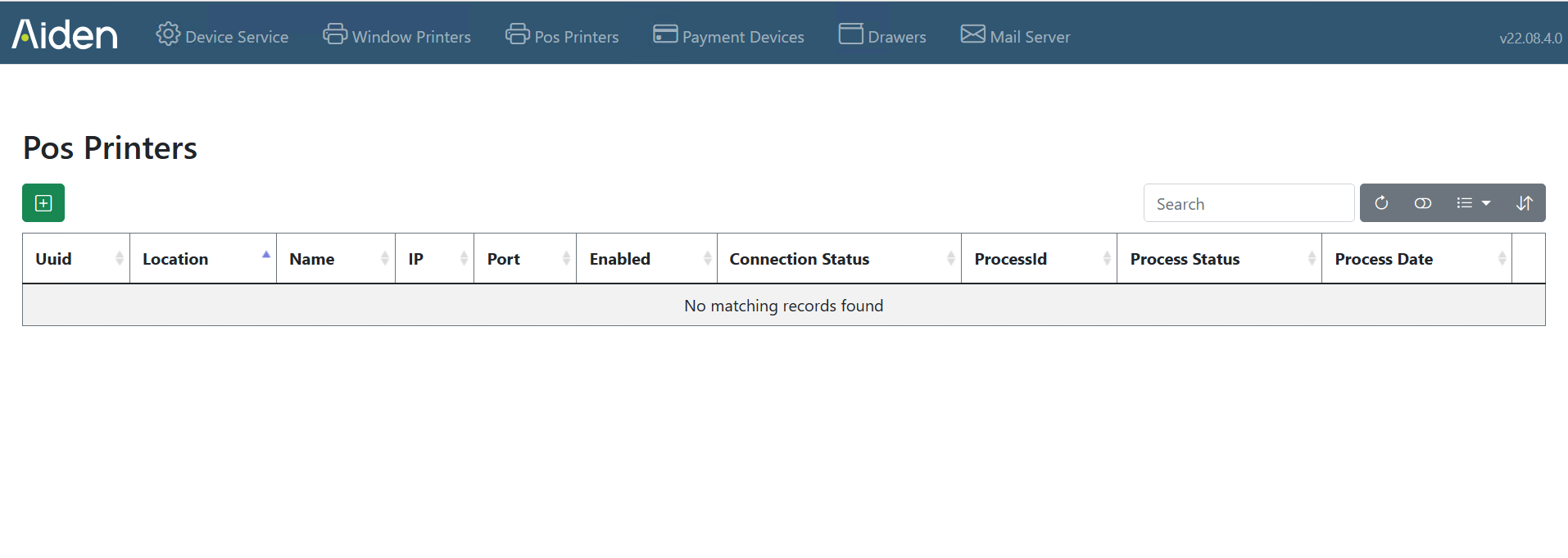
Choose Pos Printers in the Aiden Local Hardware Configurator
-
Press the green + to add a printer
-
Fill in all Fields and press create to create the printer
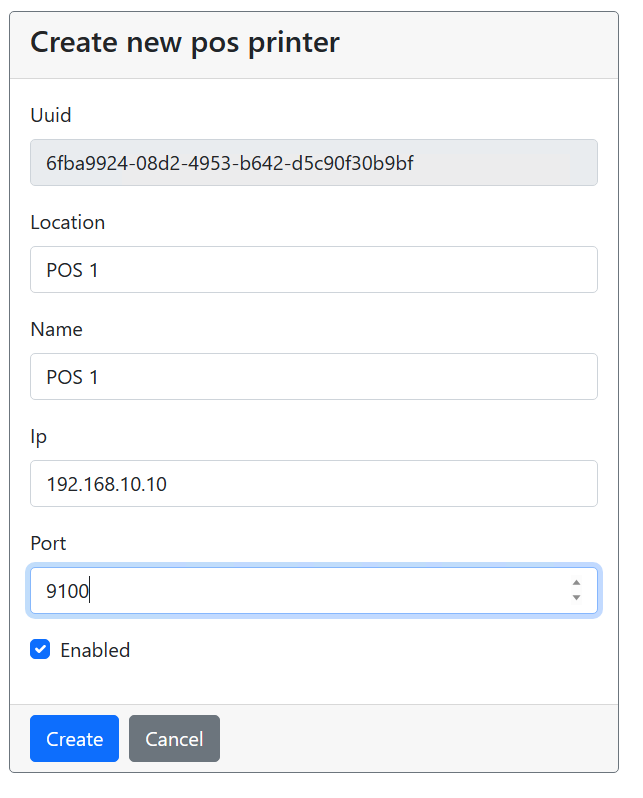
Currenty we only support EPSON TM Pos printers or compatibles.
-
The program than returns to the Pos Printer overview screen and shows the newly created printer

-
Pressing the blue binoculars details of the printer are shown
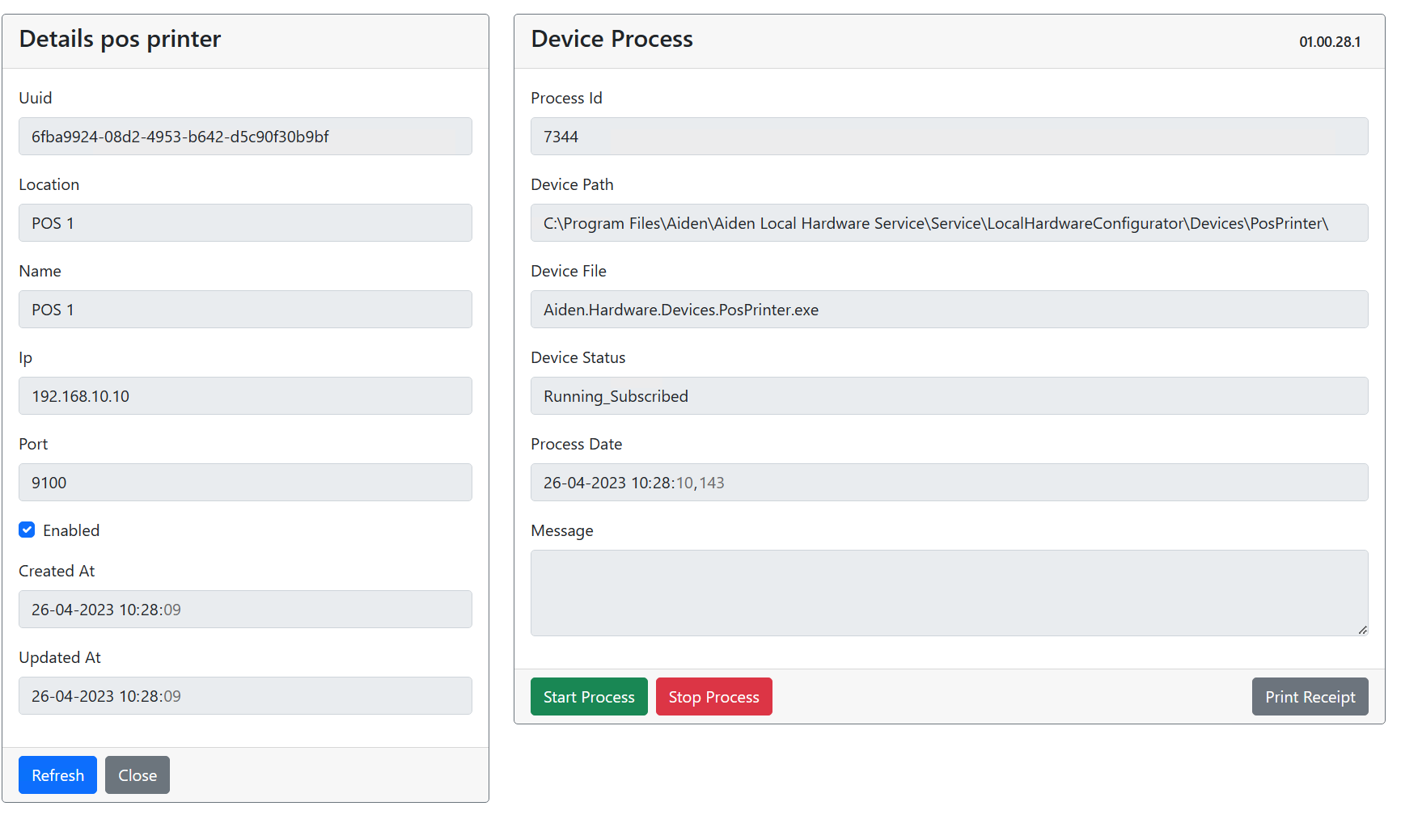
To test the print press “Print Receipt”
-
Close returns to the Pos Printer overview screen