
-
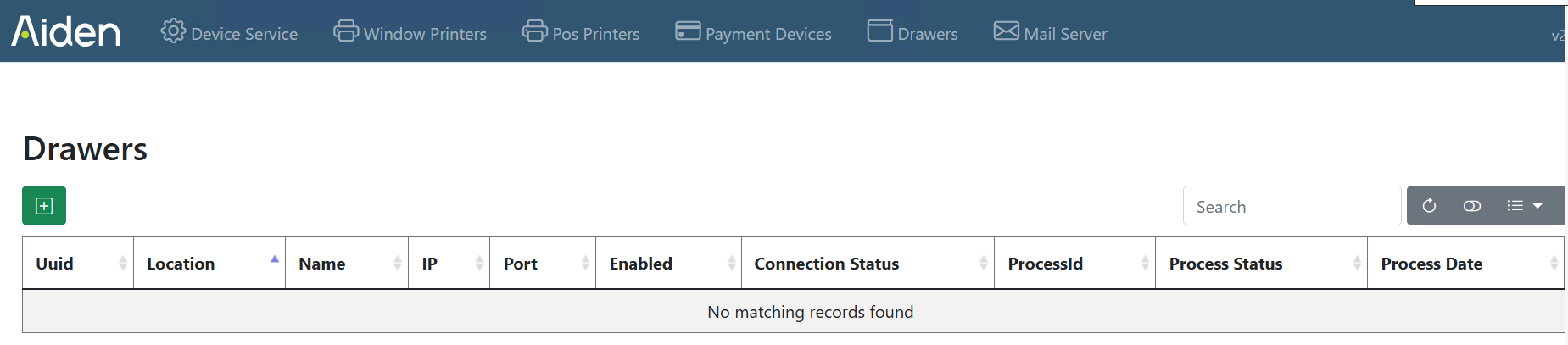
Choose Drawers Printers in the Aiden Local Hardware Configurator
-
Press the green + sign to add a new drawer
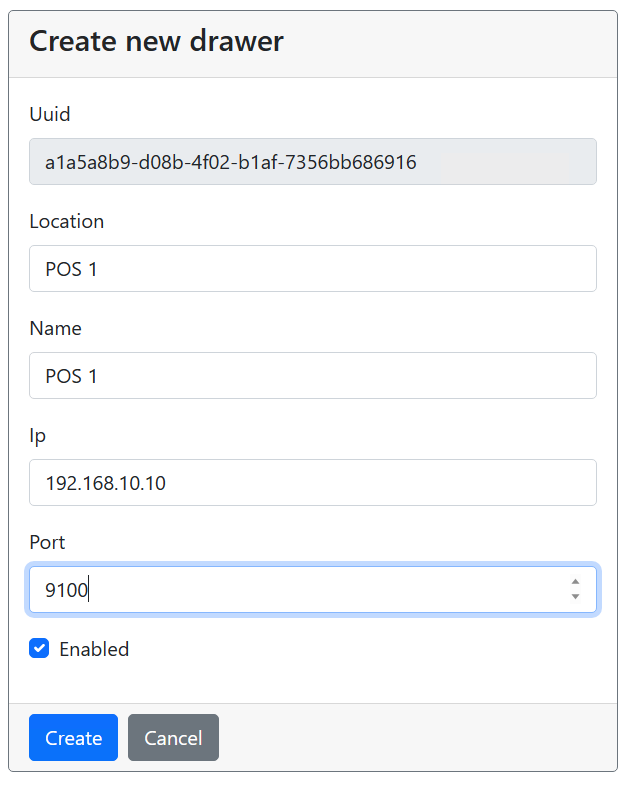
In most cases drawers are linked to a pos printer, so fill in the IP and port of the pos printer
-
fill in all fields and press Create
-
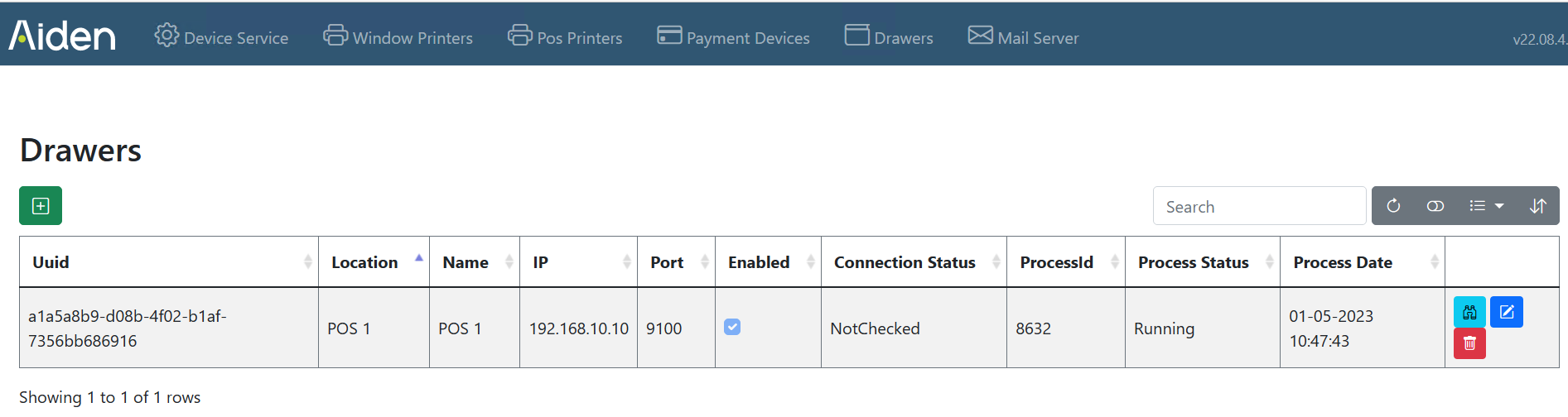
When the drawer is added is listed in the Drawers overview screen
-
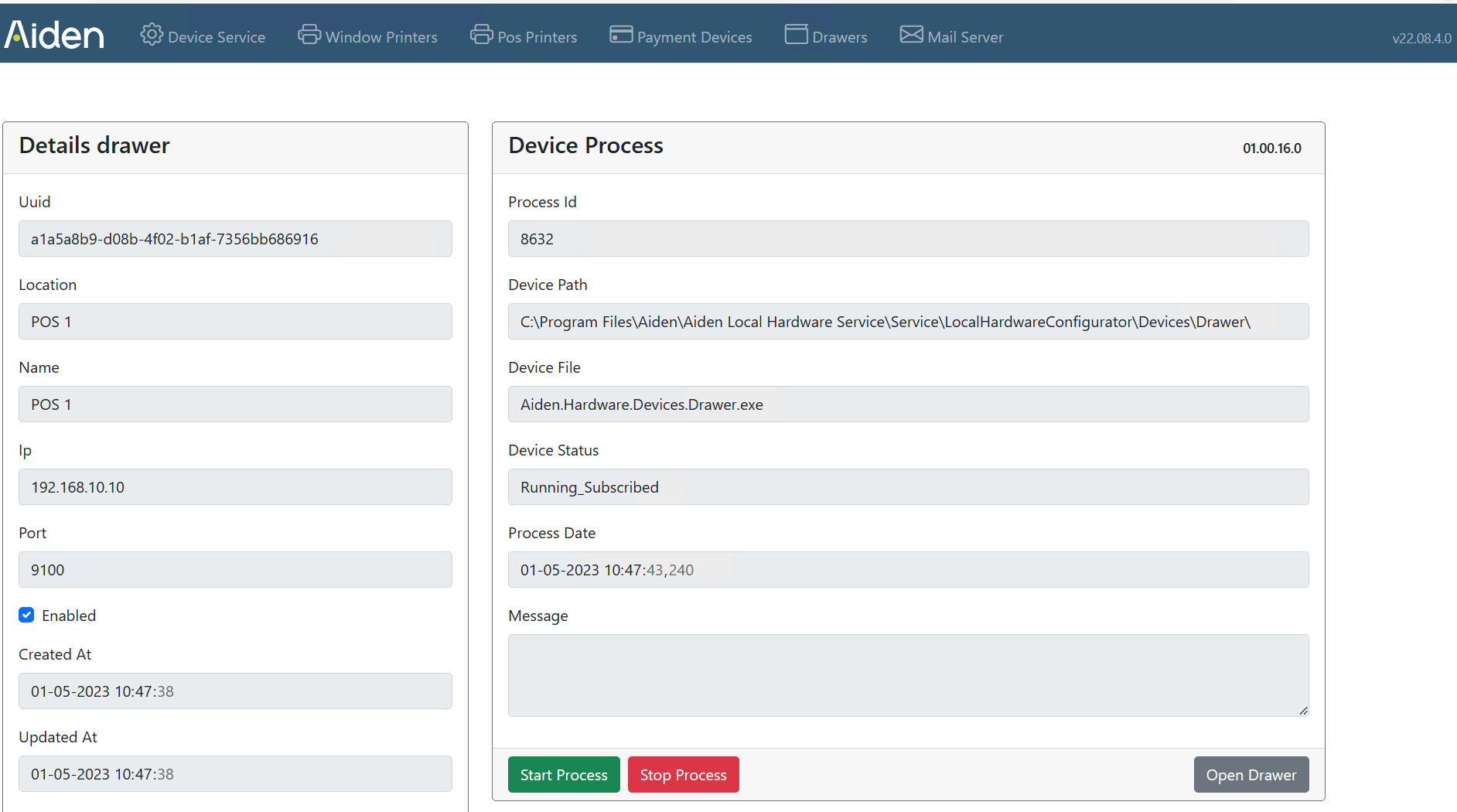
Pressing the blue binoculars will show the drawer details form
-
To test the drawer, choose “Open Drawer”