
When the “Admin Consent“ is granted, it is possible to map the Aiden user groups to existing Entra User Groups.
Using this method, no Aiden Users are required. They only exist in the Microsoft Entra Tenant. When a user logs in, the linked groups are retrieved are checked for a link with Aiden User Groups.
There is a separate setting to assign “User Administrators“.
User with access to this group have the rights to administer the Microsoft Entra Settings, Users, User Groups and Roles in the portal.
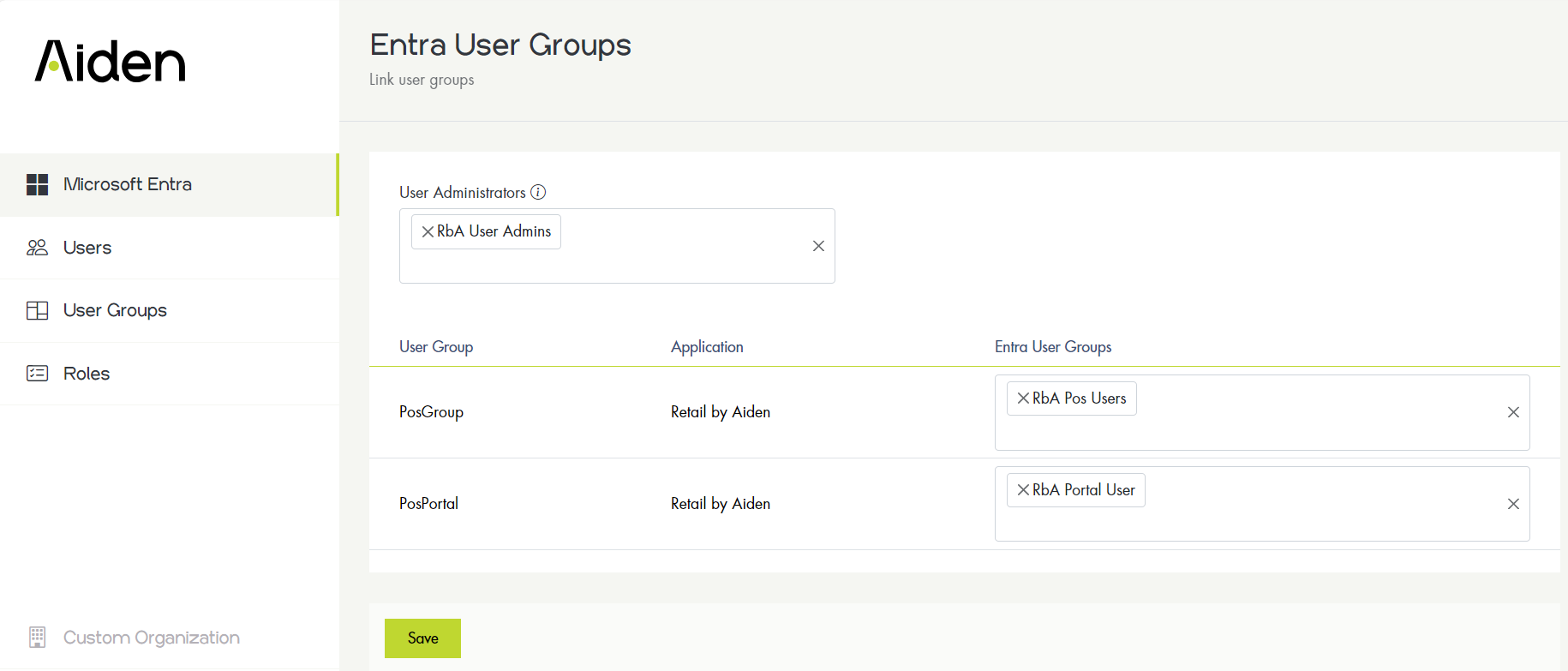
Microsoft Entra user groups
Only user groups assigned to the “Aiden Products Cloud Platform“ application can be selected.
In the Azure Portal go to “Manage Entra Id“ → Enterprise applications → Aiden Products Cloud Platform.
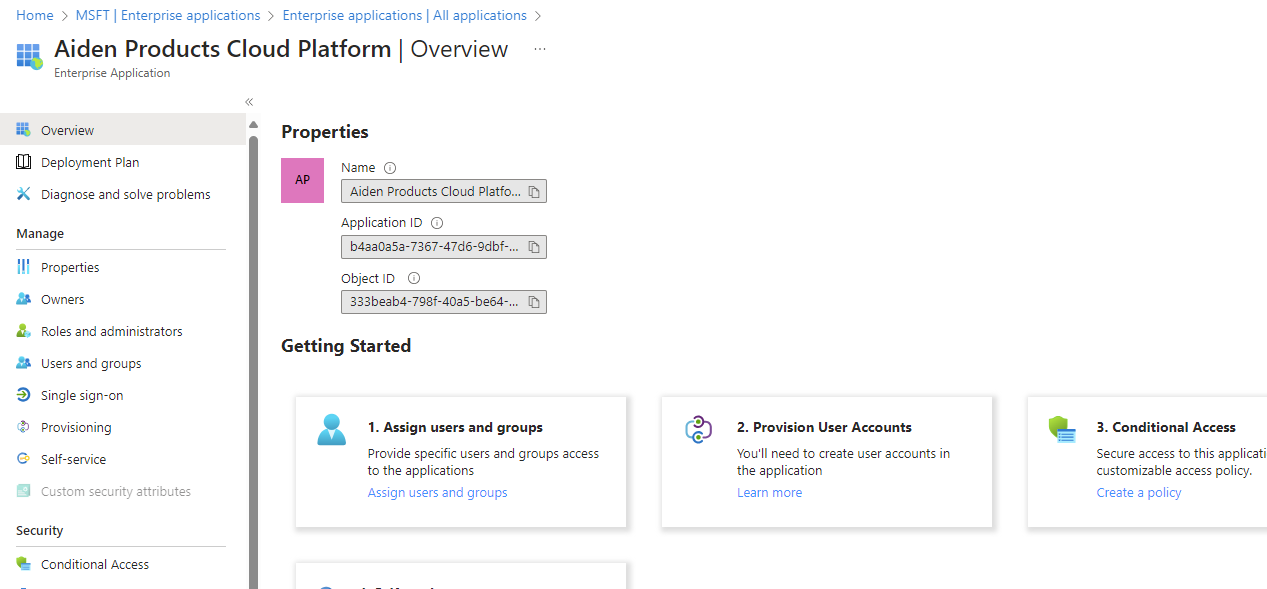
Go to Users and Groups.
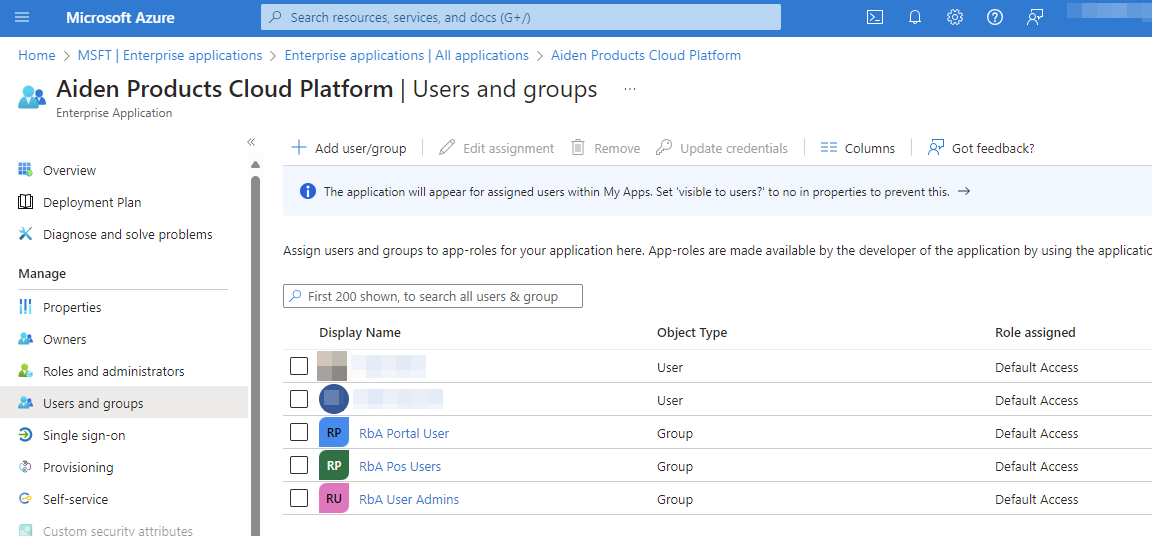
From here, user groups can be created and assigned to the application.
If a user logs in Aiden will detect to which group(s) this user has access and maps the appropriate rights.
Only User Groups assigned to the Aiden Products Cloud Platform application will be visible in the Aiden User Management portal.