
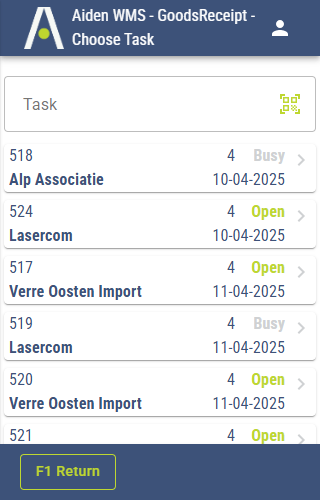
When you launch the Aiden WMS Client application, it automatically checks your authentication status with the Aiden Products identity provider. If you are already authenticated, there is no need to log in again; the application will seamlessly restore your previous session, allowing you to continue your work without interruption.
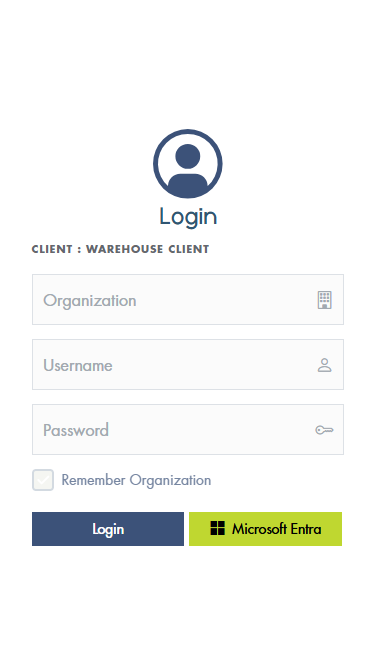
When the identity provider identifies that you are not authenticated, it will redirect you to the Aiden Products login page. Here, you can log in using your Aiden Products account or, if enabled, your Microsoft Entra account. Please ensure that you also enter the Organization you wish to log into.
After successfully logging in, you may be prompted to choose a company if multiple companies are associated with your account. If there is only one company linked to your account, it will be automatically selected.
Once you have made your selection, the main screen will be displayed.