
In order to get a suitable lay out you are able to set several visual settings.
Visual Settings
The visual settings can be divided in the following subjects:
-
Show customer screen When activated, the screen of the customer at (the other side of) the counter can be configured, with(out) border or Full screen. Open customer screen for the suitable format.
-
Show additional costs Specify if additional costs should be displayed.
-
Show price including additional costs Specify if item price should be displayed including additional costs.
-
Startup screen Specify which screen will appear when starting up the application.
-
Theme Choose from three different styles: Fiori, Fiori Dark or Belize Plus.
-
Screen block interval Blocks screen at a specified number of minutes.
Cash Receipt Settings
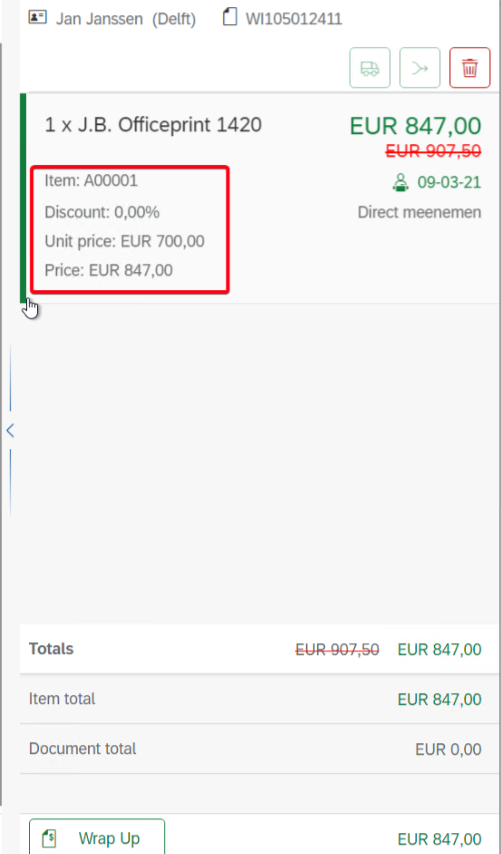
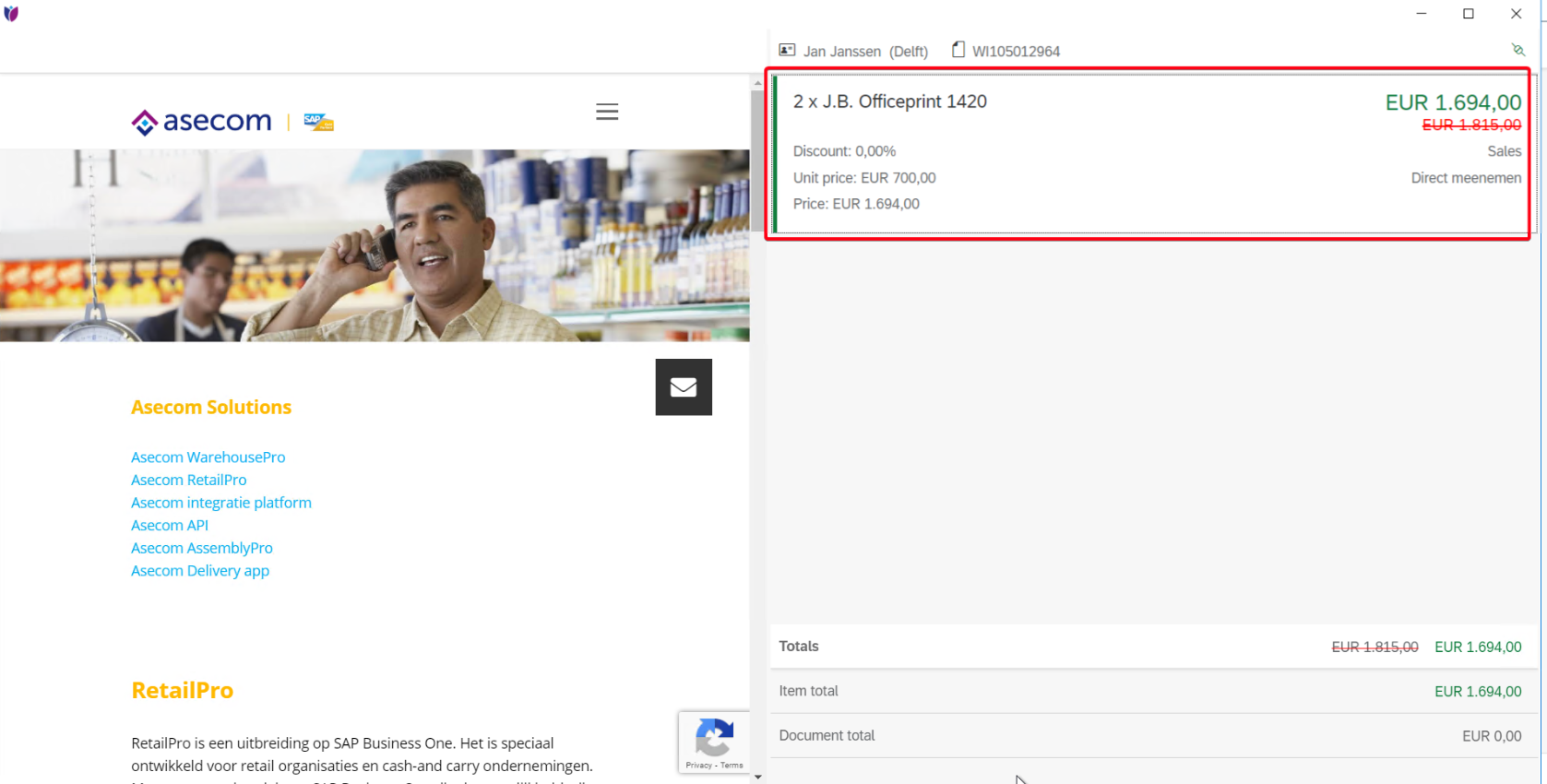
In the cash receipt settings you can define different components that will appear on the cash receipt, such as quantity, unit, additional description, discount and VAT.
The cashreceipt can be found on the right site of the screen (Wrap-Up).
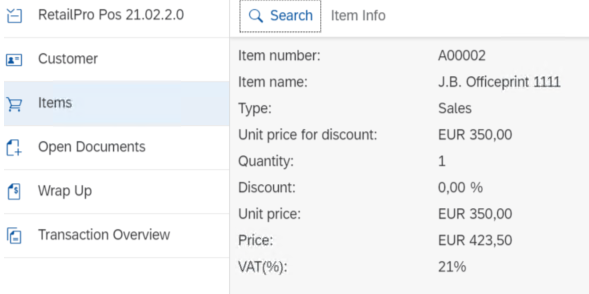
Item info settings
In this section you are able to add extra information to the item info page.
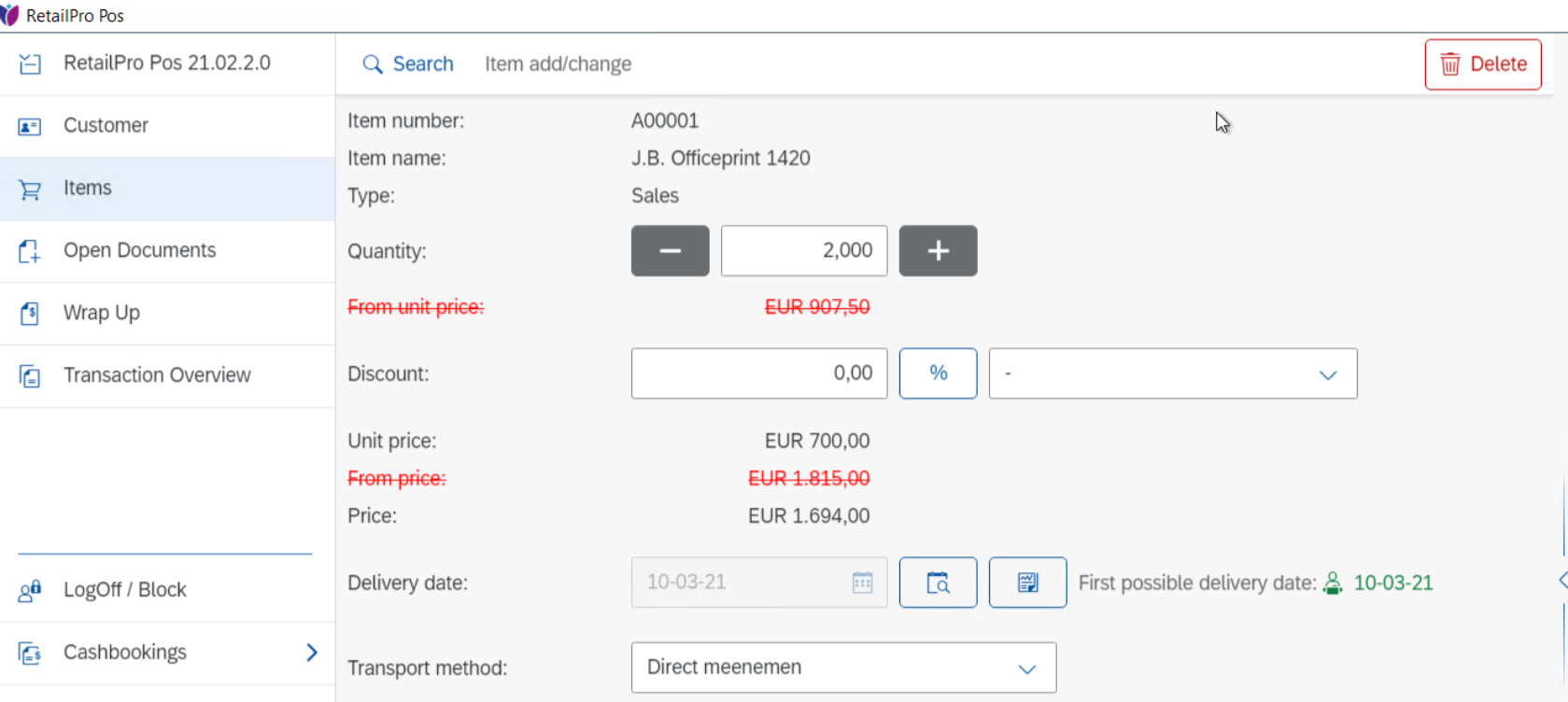
Add/Modify Item Settings
In this section you are able to add and/or modify extra information to the item settings.
Item Search Settings
In this section you are able to add extra information that will be presented in the Item search results.
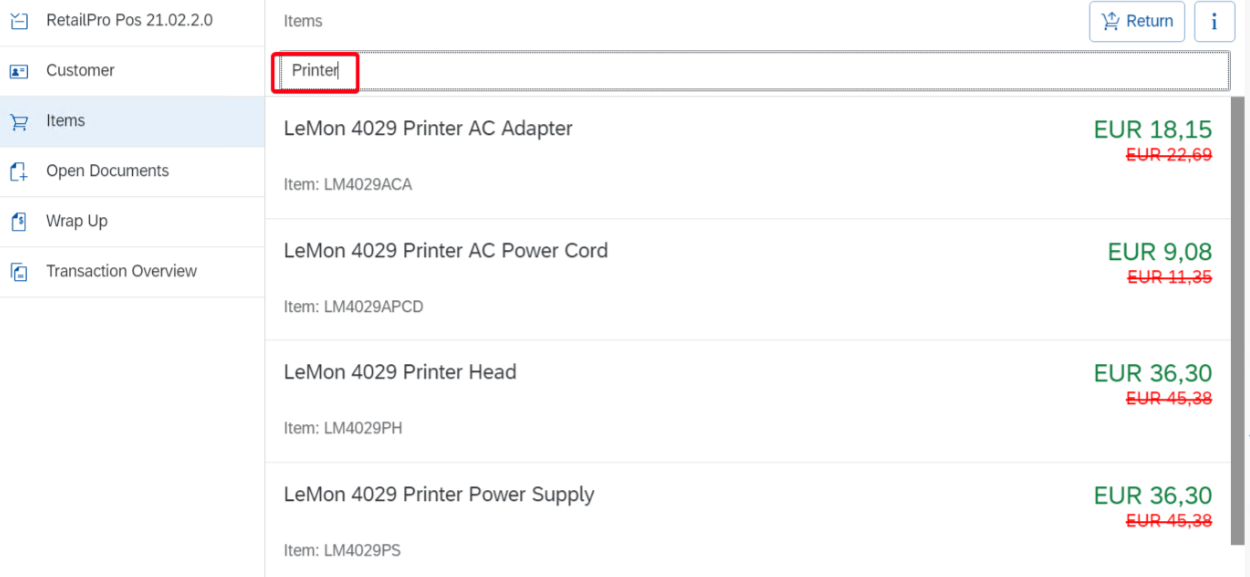
At this point it is only possible to enable or disable the display of the item image.
Customer Display Settings
In this section you are able to adjust the customer screen according to suitable needs.
For all display settings: greyed-out check boxes cannot be changed. This is the minimum information required for the different screens.