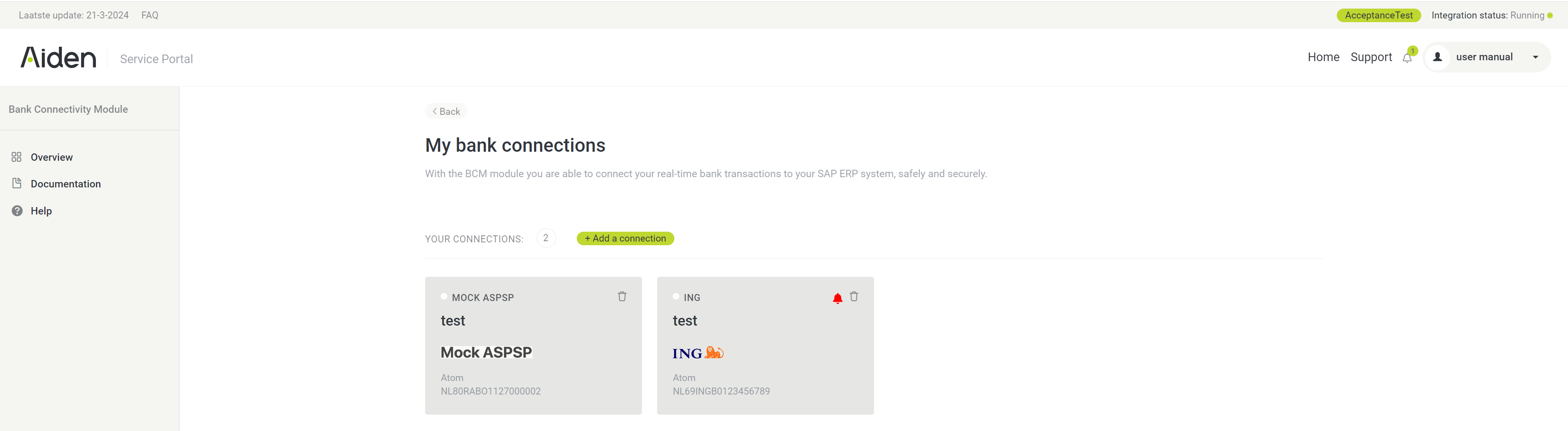
Once you’re registered as user, you’ll receive an email with your username and URL to access the Aiden Service Portal with Bank Connectivity functionality enabled.
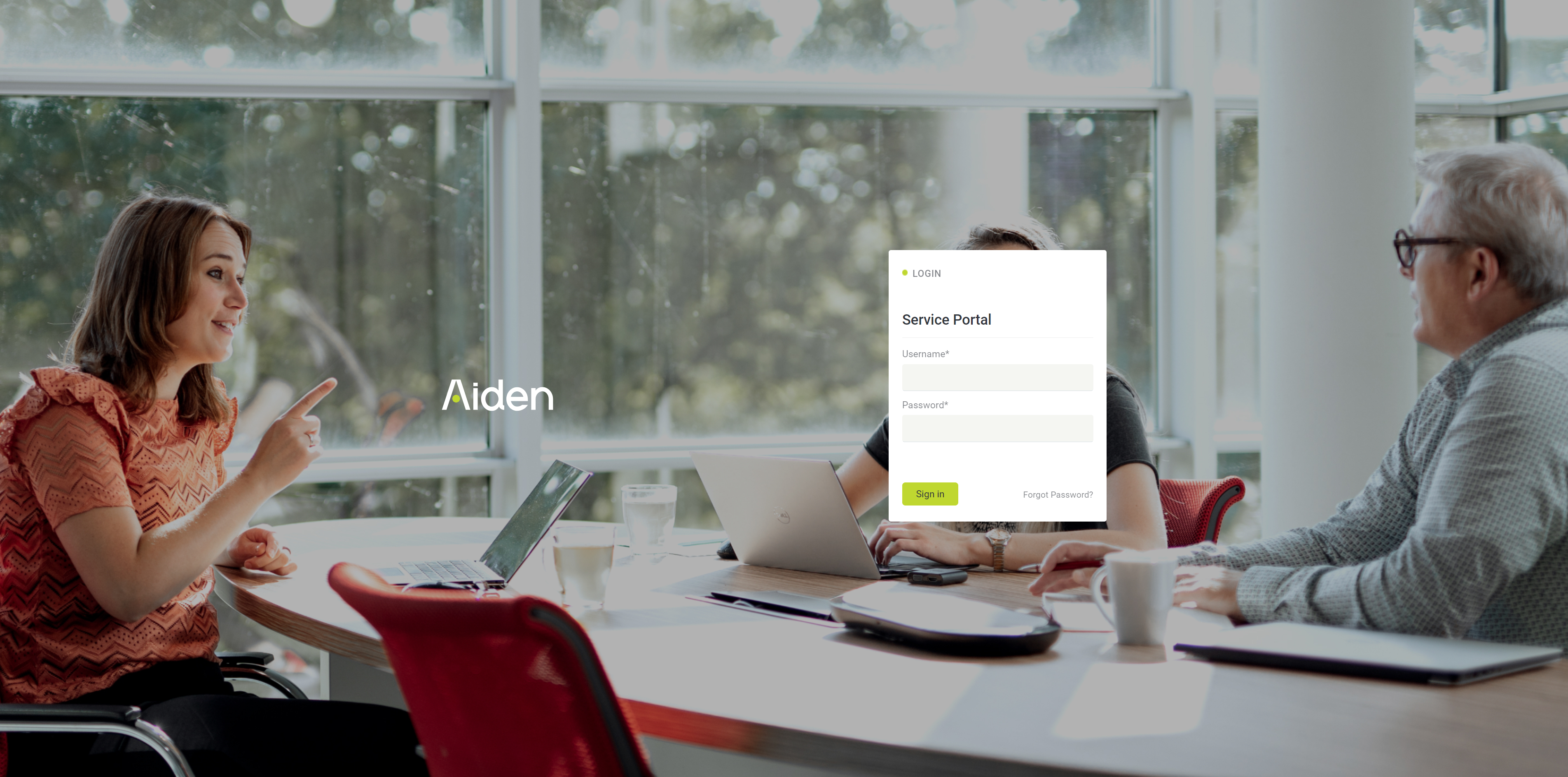
Please follow the instructions to create your password and login with your username and newly created password.
You can always use the “Forgot Password“ link to request a new or initial password.
After a successful login you can select the different options available in the Aiden Service Portal:
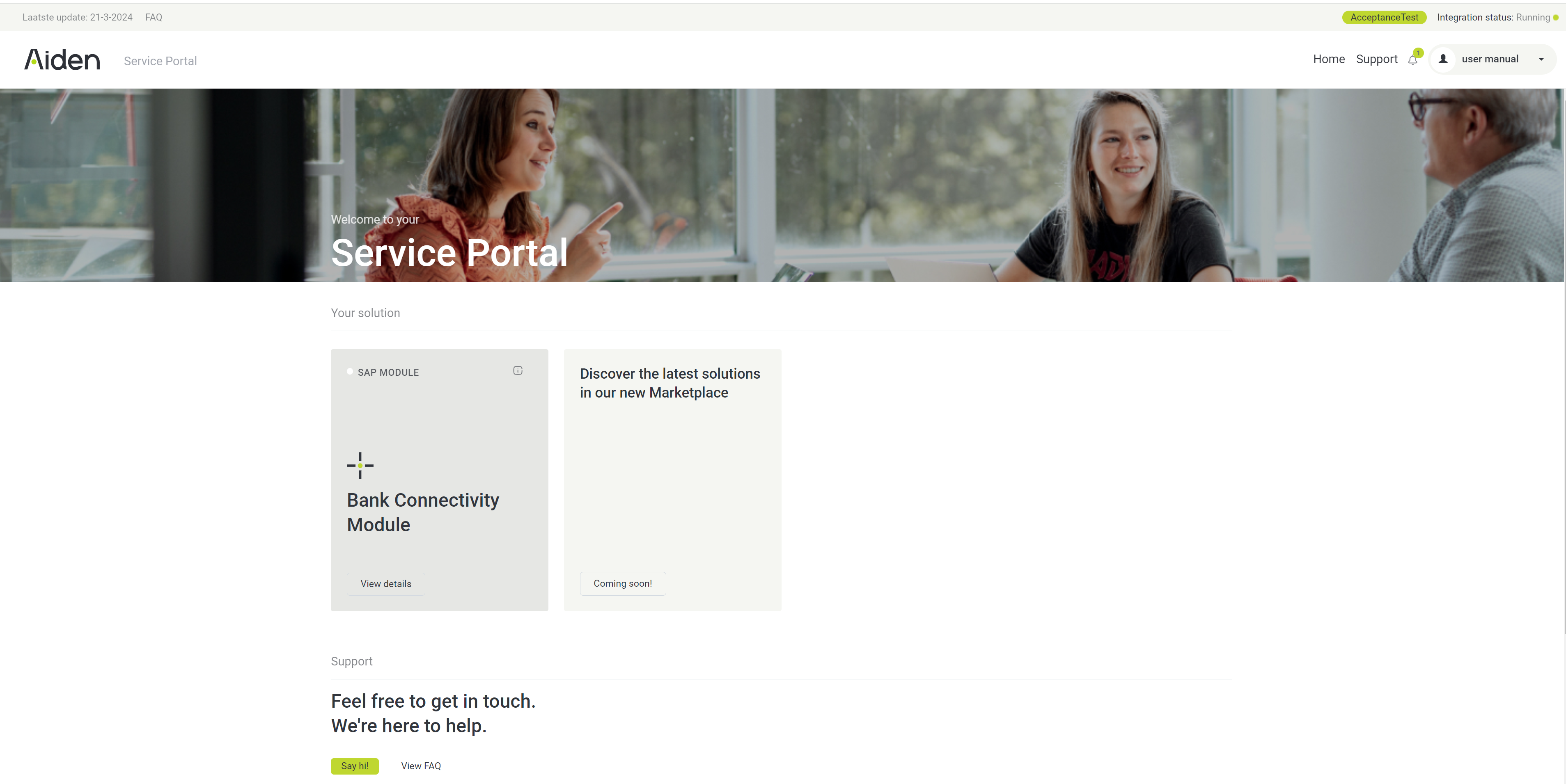
Please click on the [Bank Connectivity Module] tile to continue to the Bank Connectivity platform