
|
Step |
Comment/Remarks |
|
|---|---|---|
|
1 |
Execute “B1ProSuite_Software_Platform_Installer_V3.0.1.9.exe”. 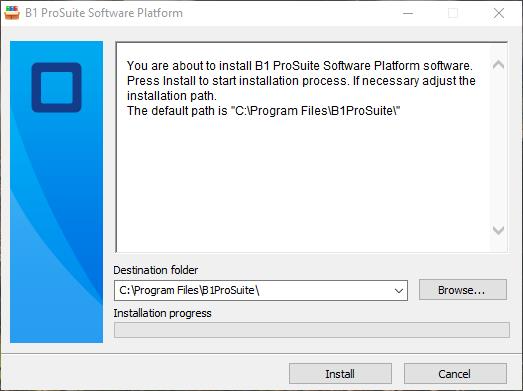
|
If you changed the default installation folder, please do so again. The path is not detected automatically |
|
2 |
Start the B1 ProSuite Software Platform application ("B1ProSuite_Config_Console.exe"). |
The application takes some time to start all components. If an error message appears, please try again after a few seconds. If the error keeps showing, please contact your application administrator. |